“Waste Time Playing.” That was the concept that came up during a class in my fifth semester of university, back when I was studying Industrial Design. The challenge was to create an immersive experience that encouraged people to read Cortázar’s work —and that’s when we realized that, through play, we’re more present, we learn better, and we remember more.
Students have to create portraits for personalities in theirs city. The portraits are to be released under an open license on the Wikipedia Commons platform, so they can be used to illustrate Wikipedia articles.
In order to find suitable persons, a search can be done on Wikidata. For instance, this query searches for living persons born in the city of Lausanne, aged less than 85 years, that have a Wikipedia page but do not have a picture.
SELECT ?personne ?personneLabel ?dateNaissance ?age
WHERE {
?personne wdt:P31 wd:Q5; # être humain
wdt:P19 wd:Q807; # né à Lausanne
wdt:P569 ?dateNaissance. # date de naissance
# Ne pas avoir d'image
FILTER NOT EXISTS { ?personne wdt:P18 ?image }
# Avoir au moins un article Wikipédia
FILTER EXISTS {
?article schema:about ?personne;
schema:isPartOf ?wiki.
FILTER(CONTAINS(STR(?wiki), "wikipedia.org"))
}
# Exclure les personnes décédées
FILTER NOT EXISTS { ?personne wdt:P570 ?dateDeces }
# Exclure les personnes de plus de 85 ans
BIND(YEAR(NOW()) - YEAR(?dateNaissance) AS ?age)
FILTER(?age <= 85)
SERVICE wikibase:label { bd:serviceParam wikibase:language "fr,en". }
}
ORDER BY ?personneLabel
The first edition of Genuary was launched in January 2021: the website genuary2021.github.io provided 31 prompts – 1 per day – to invite participants to “make beautiful things with code”.
GENUARY aims to make it possible for people to do 31 daily prompts, one every day, during that day.
it started in Inktober, when a couple of generative artists remarked they found it difficult to apply the prompts of Inktober to generative art. Then I thought I came up with the name “Genuary”
Productions were to be shared on twitter using the hashtag #genuary2021.
Selection of genuary2021 works by Vernon Miller / @Aldernero
Selection of genuary2021 works by @piterpasma
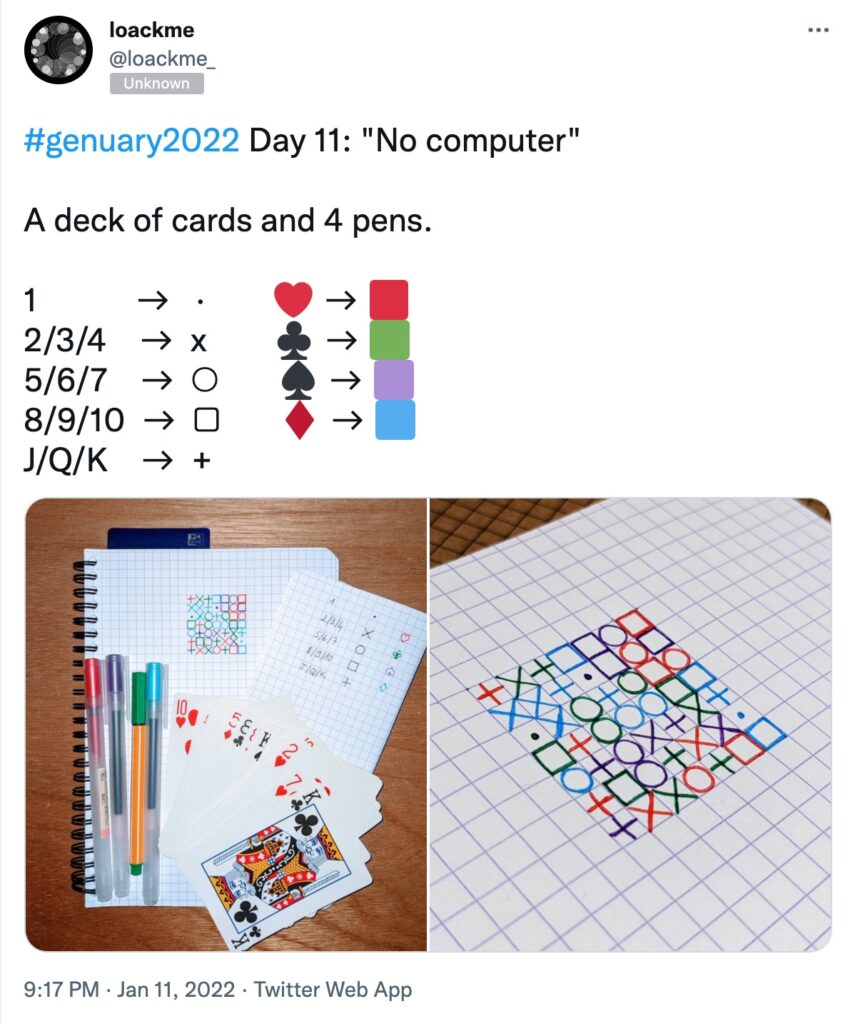
“No Computer”, by Loackme
Some participants documented their creations on a website, such as data scientist Ram Narasimhan (who codes using the Python extension of Processing).
Genuary 2022
Another edition takes place in 2022, the website being genuary.art and the twitter hashtag #genuary2022. Some of the prompts:
Day 1: Draw 10,000 of something.
Day 5: Destroy a square.
Day 6: Trade styles with a friend.
Day 10: Machine learning, wrong answers only.
Day 11: No computer.
Day 16: Color gradients gone wrong.
Day 18: VHS.
Day 21: Combine two (or more) of your pieces from previous days to make a new piece.
Day 23: Abstract vegetation.
Day 24: Create your own pseudo-random number generator and visually check the results.
A github issue collects prompt suggestions for the 2023 edition.
See also: Plot Party
A similar five-day prompt was launched in November 2021 under the name “Plot Party” by the pen plotter community. The prompts were:
Nov 8 – Weather
Nov 9 – Multiple Line Widths
Nov 10 – Glitches (errors/bugs) – “Embrace mistakes, whether in code or during the pen plotting process”
Nov 11 – Postcard – “A postcard sized prompt, make any small, postcard sized work. There is also an optional postcard exchange”
Nov 12 – No Pen – “Forgo a pen for any other tool”
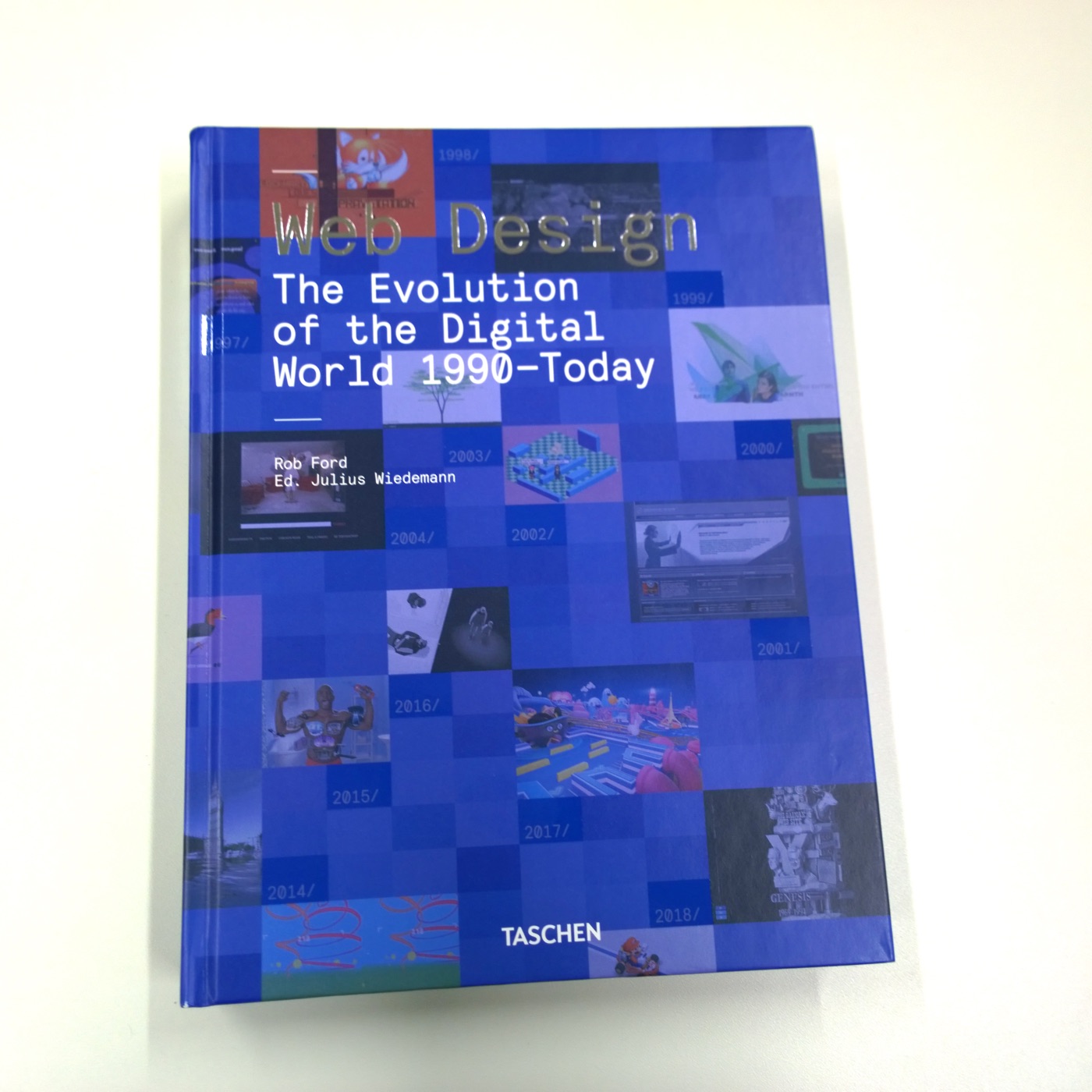
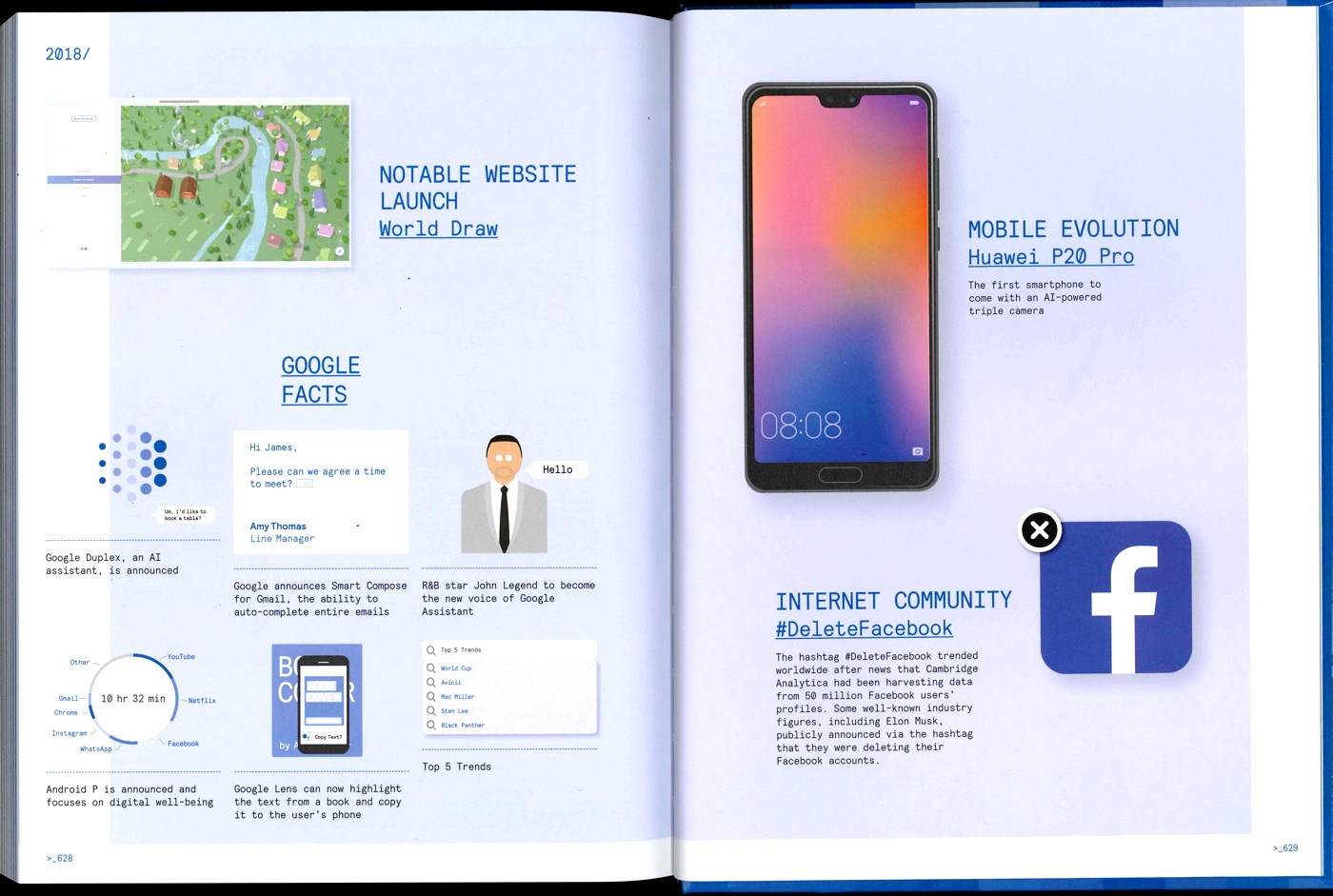
In this brief, students are asked to continue the story by adding a new chapter – how does the current year in web design look like? They will have to identify current design trends, major innovations, notable websites, and organize the information following the examples in the book.
Depending on the number of students, they can work on one year, or on several missing years (2019, 2020, 2021…).
Engage students in a tournament of “layer tennis” (also known as Photoshop ping-pong”. According to Wikipedia:
The players pick a starting image, or one is “served” by a player, then another player makes some sort of alteration to the image in any chosen image editor (matches are not exclusive to Adobe Photoshop). They then send the altered image to the other player or players, usually via e-mail or by posting the image to a Photoshop tennis forum, who then edits that image and sends it back to the first player. This process goes back and forth until a predetermined number of rounds have elapsed, or the players otherwise wish to end the game.
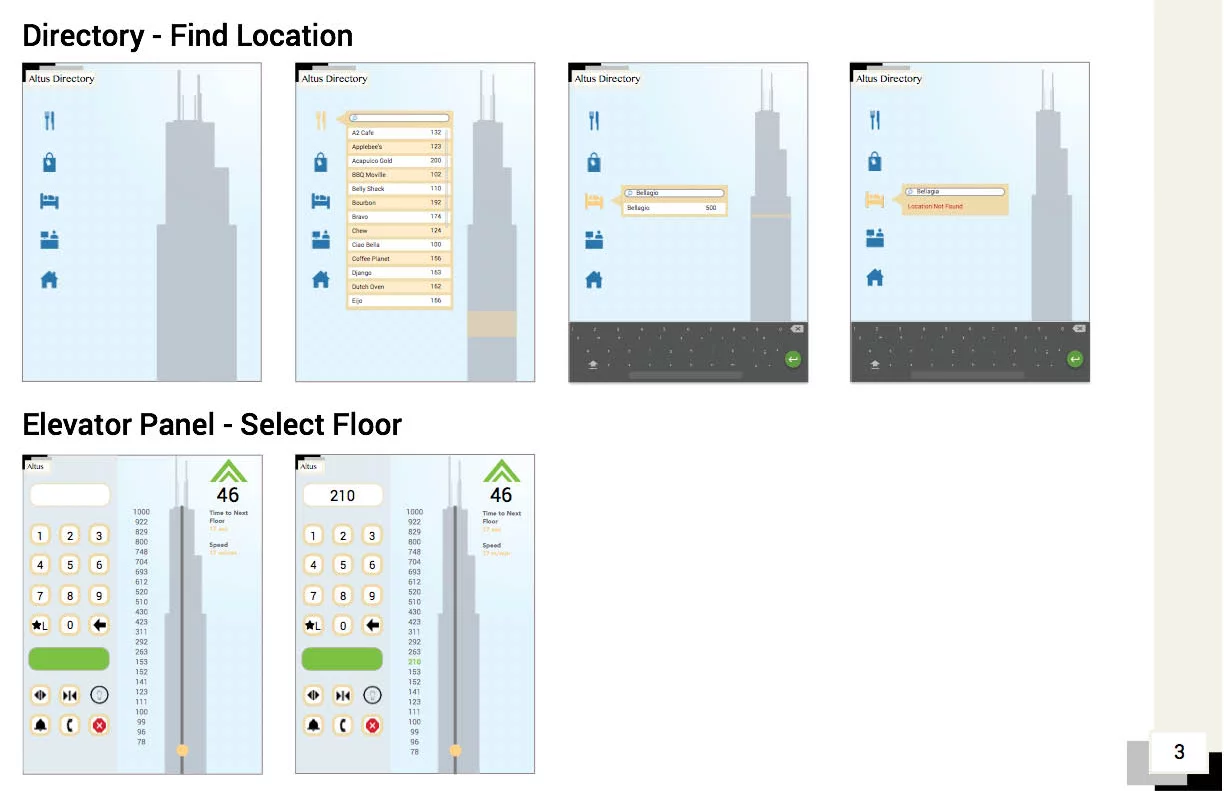
The “The 1,000 Floor Elevator” is an infamous Interview Design Challenge by Google: “How do you design an interface for a 1000 floors elevator?”.
How do you design an interface for a 1000 floors elevator?
As a 2005 student assignment at CMU
The question has also made appearances in design curricula. Dan Saffer included it among a series of simple, foundational exercises “Five Easy Pieces” at the start of his 2005 Visual Interface Design class (at CMU). This is how he formulates the exercise:
Design an elevator for a building with 1000 floors. Not an elevator system, a single elevator that can travel from the ground floor to the 1000th floor. I expect you to address at least the following: – How a user selects a floor – How the floors are displayed to those in the elevator Your solution should be printed out and mounted on thick black paper for presentation. [Courtesy John Zimmerman]
As a student assignment at CCA
Other iterations of this assignment were given at CCA (California College of the Arts) as part of IxD Studio Foundations.
Over the course of 1 week, we had a design challenge to come up with an elevator interface that services 1000 floors in a building. The prompt states that the building is for mixed retail, commercial and residential inhabitants. Additionally, we must consider how a rider selects a floor, how progress and floors are displayed, and how to access a secure floor. Given this was my first assignment in the program, I learned a lot more about how interaction models work together in an ecosystem.
Students produce photos in order to participate in “Wiki Loves Monuments“, an annual international photographic competition held during the month of September.
Students will have to identify historical monuments and heritage sites in their surroundings, take photographs, and upload them to Wikimedia Commons.
Winners of the 2019 Switzerland edition. See Wikipedia for credits.
The list of sites is specific to each participating country. A list of participating countries can be found on this page.
An idea for a UX design assignment that emerged while listening to the Wireframe podcast Episode 2 of Season 3, where Miriam Johnson asks:
Now, imagine this: you’re tasked with designing a music app that is specifically for seniors, and you had no idea how to do that, and you’d never done anything like it before.
Miriam Johnson, at 10:50
The podcast features an interview with Sophie Kim, a product designer at Studio Red, about how she worked on an app called Octave, where the typical user is 65 years old and passionate about classical music.
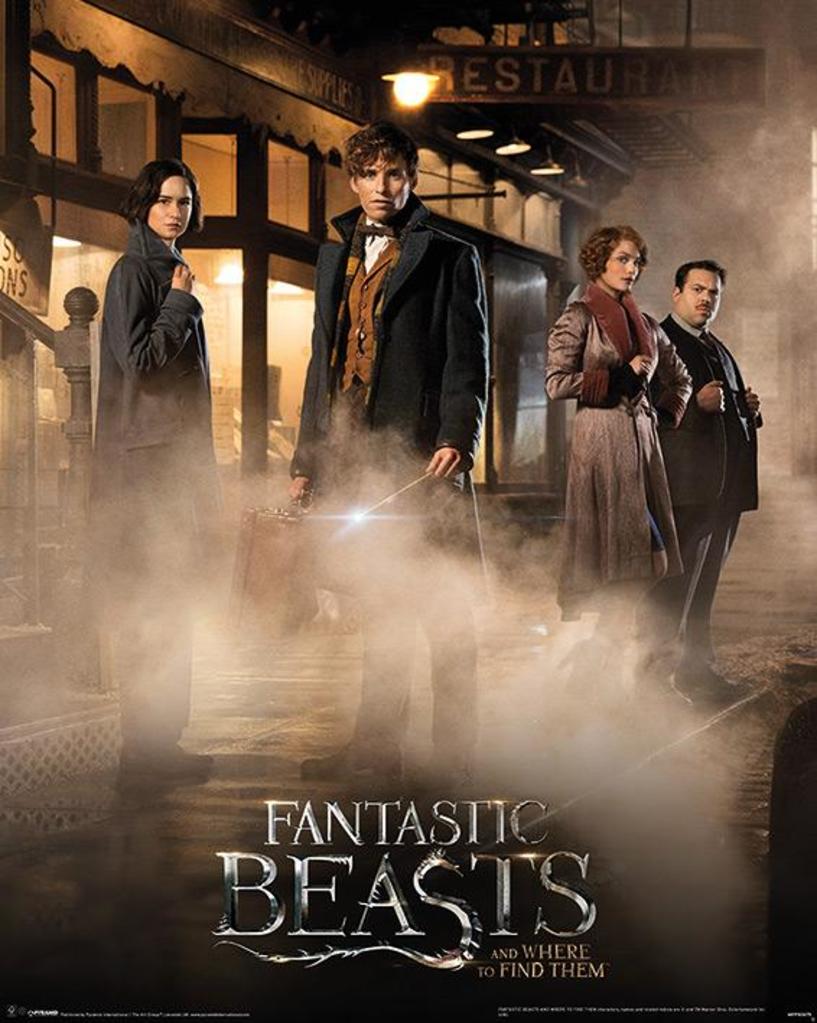
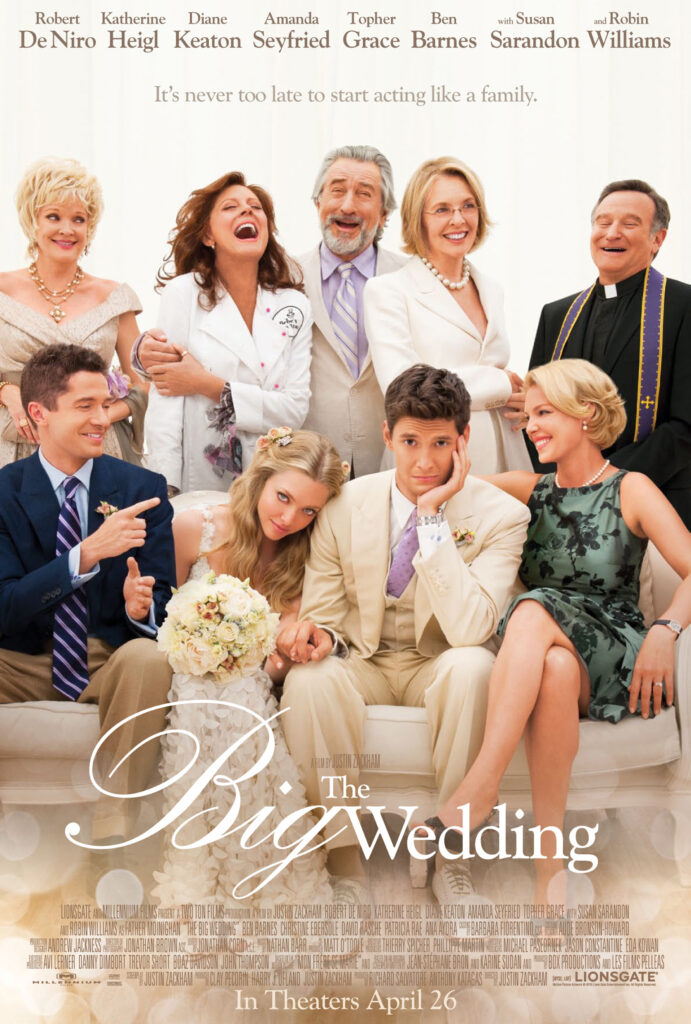
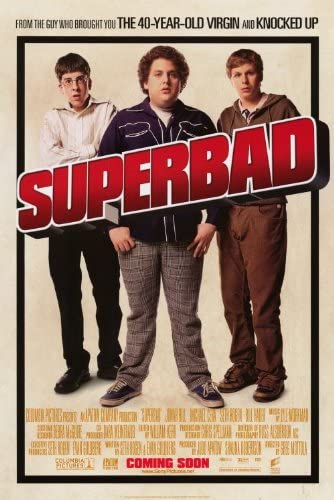
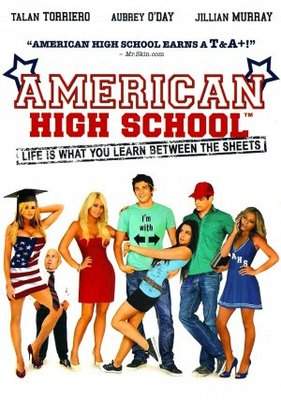
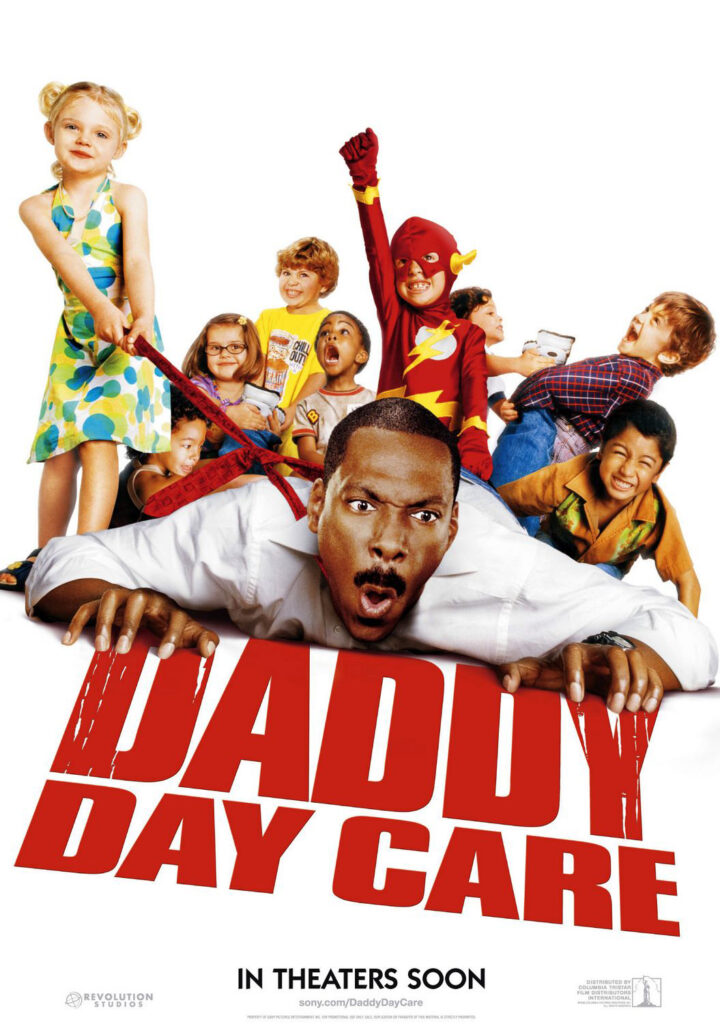
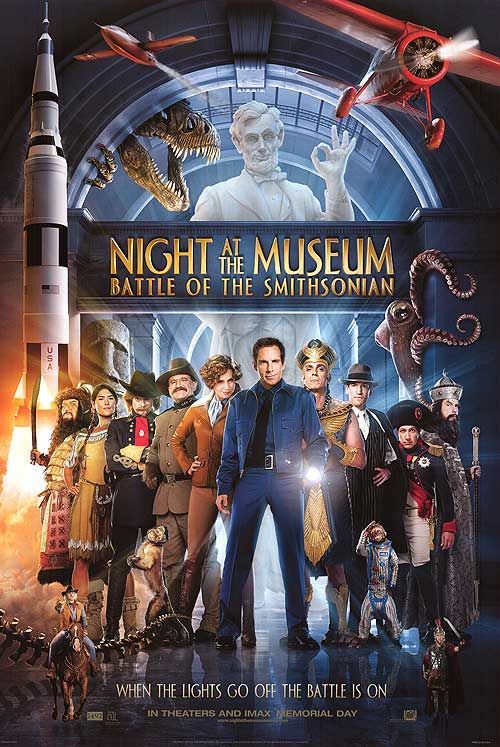
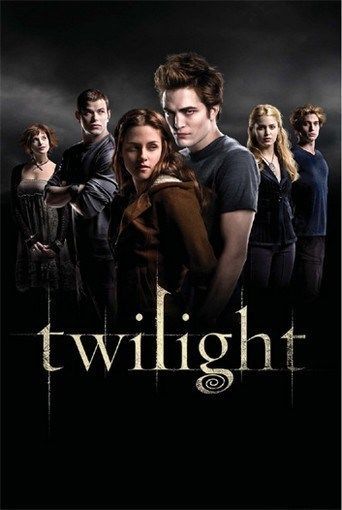
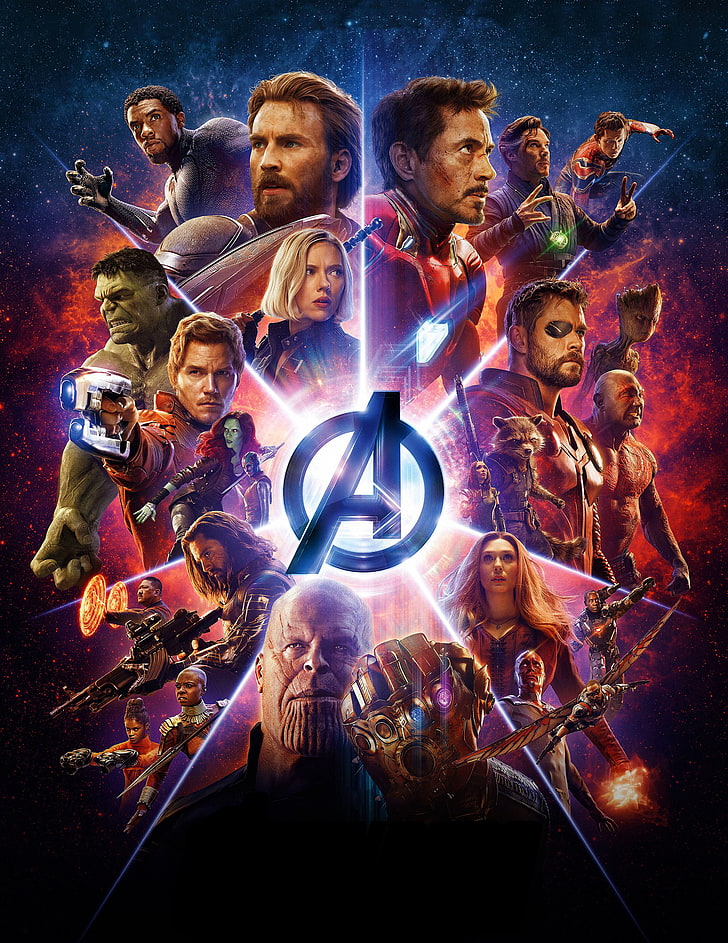
Students have the task to create an archetypical “Movie poster group photo”. They form groups, and select a movie genre they will be working in (comedy, sci-fi, thriller, super heroes…). They will chose a setting, costumes, accessoires…
They may need to use effects such as green-screen backgrounds, projected background, artificial smoke.
They will need to apply postproduction to match the tone and atmosphere of the chosen genre.
Finally, the photograph needs to be combined with typography and movie poster credits.